Independent GNU/Linux distribution
Amonite
A GNU/Linux operating system engineered for what you do after install: desktop work, development, administration, and local AI.
Releases are published, signed, and independently verifiable.
What it is
An operating system defined by what it enables
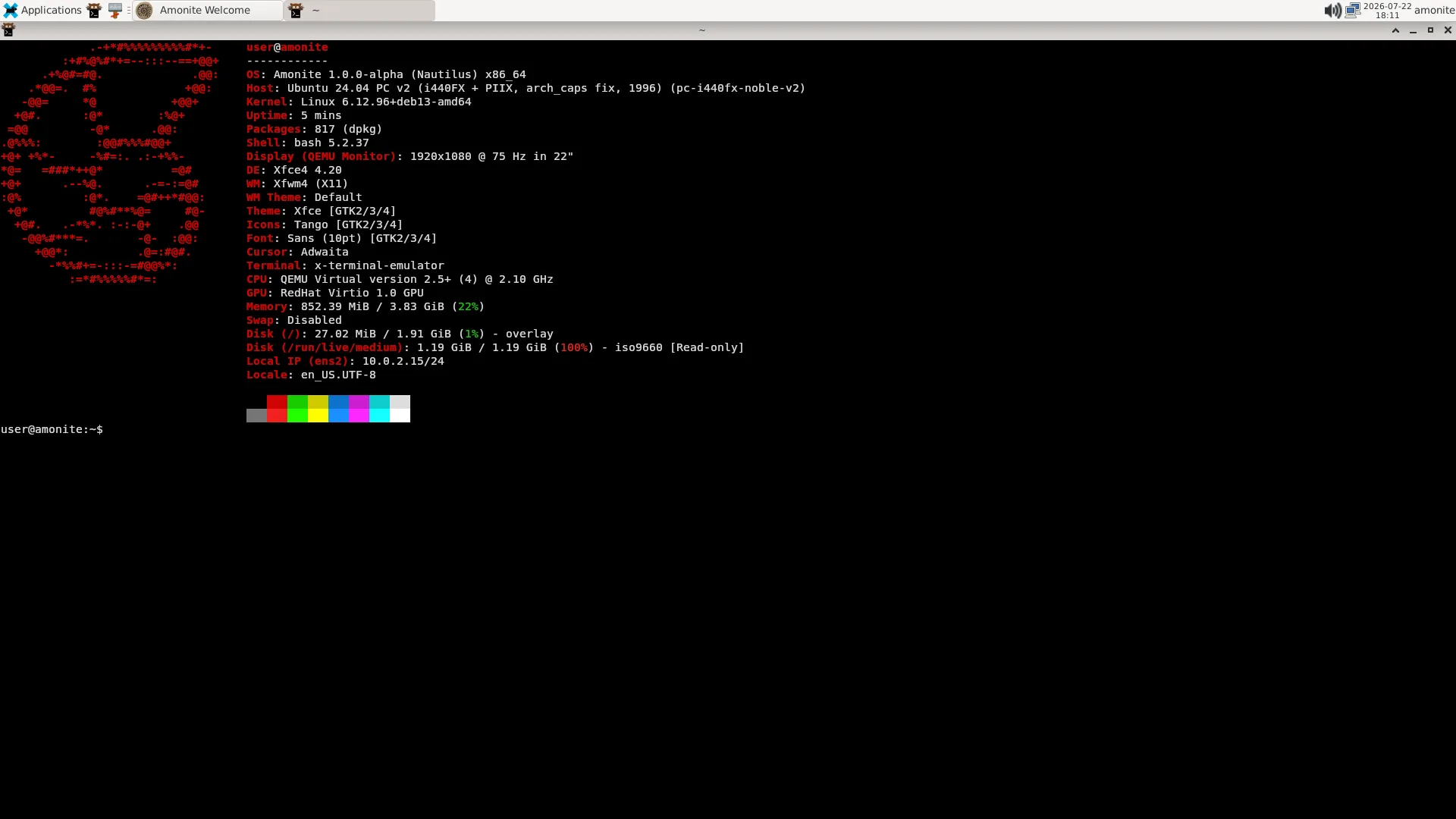
Amonite is a GNU/Linux operating system you can install today. The work it is built for is available when the installation finishes, without assembling the system yourself first.
Amonite starts with a simple rule: software earns its place by enabling work.
What defines it
The decisions that shape the system
Amonite is not a collection of software that happens to boot together. These choices are what it is; the rest follows from them.
Deliberate selection
Software is chosen for the capability it delivers. Nothing is carried along because another package suggested it, and nothing is added to lengthen a feature list.
Standard mechanisms, low coupling
Components are integrated through Debian’s standard mechanisms rather than bound together by custom glue, so a part can be understood, replaced, or removed on its own.
Capabilities before components
Every default answers what should be possible on the first day. The implementation that delivers it stays visible and replaceable, so the promise can outlive the component.
Limits stated, not implied
What is implemented, what has been validated, and what is only described are named as three different things. Releases are signed and published with checksums, so you can verify what you run.
Official editions
One product. Multiple editions.
Editions differ in the experience they are built for, not in how much software they carry. Each has its own purpose, its own release lifecycle, and its own maturity.
Public editions belong to the current Nautilus release series.
Standard
Beta
The default edition for users who need a complete desktop experience for desktop work, development, administration, and local AI.
A curated Debian desktop with complete XFCE integration, while remaining lightweight and maintainable.
Official edition with a published release.
Current release · 1.0.0-beta · amd64
Lite
Beta
Users who want a minimal desktop assembled from independent components.
A minimal desktop assembled from independent upstream components using standard Debian integration mechanisms, with low coupling and modularity.
Official edition with a published release.
Current release · 1.0.0-beta · amd64
Mobile
Experimental
Experimental edition with a published release for arm64. Published so the direction can be examined, not as a product to rely on.
Amonite Mobile has not been tested on physical hardware. The image builds, boots in an aarch64 machine or emulator, and reaches a session there, which validates the software and the build process within that scope. It does not show that any particular phone, tablet, or Chromebook can boot it. Mobile is designed to adapt to such devices through hardware descriptors; a described device is neither a tested device nor a supported one.
Current release · 1.0.0-experimental · arm64
Capabilities
What becomes possible after install
The system is defined by the work it is ready for on day one. Each of these 8 capabilities has a reason to be here.
Desktop Computing
Everyday computing from the first login: a graphical environment with networking, multimedia, storage management, and web browsing ready without assembly.
Software Development
Write, build, and debug software from the first session with a modern command-line environment prepared for search, automation, and structured data.
System Administration
Inspect, configure, and maintain the machine with administration tools ready from first boot.
Local Artificial Intelligence
Run compatible GGUF models on your machine, entirely offline. Keep models and prompts under your control. Expose an OpenAI-compatible API for local applications and workflows that do not depend on external services.
Networking
Connect and work on the network without improvising drivers, stacks, or basic configuration after install.
Security
Application isolation and security policies enabled by default. Optional encrypted installation when you need it.
Storage
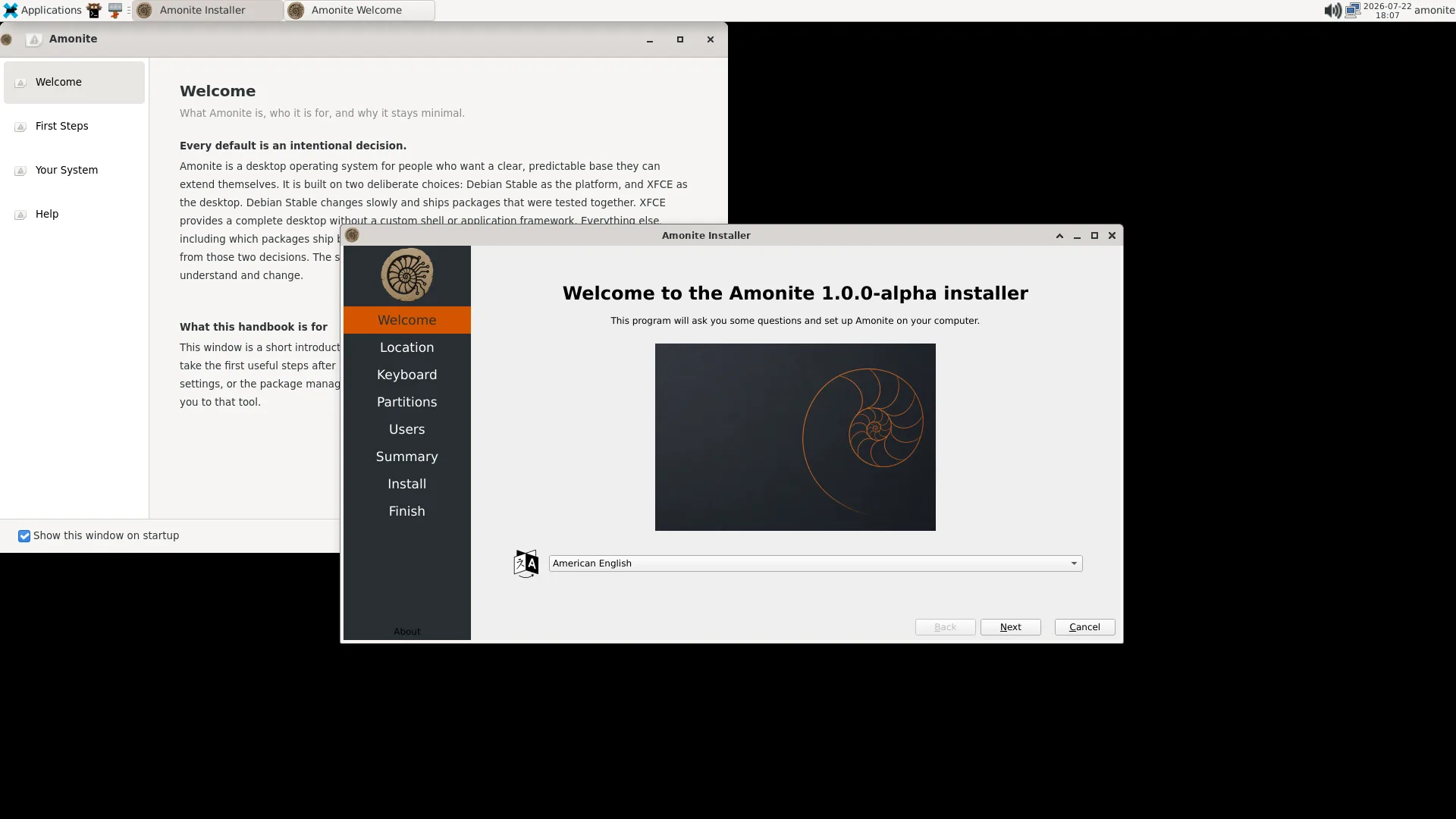
Install and manage disks with a clear graphical installer, including encrypted layouts when required.
Documentation
Integrated project documentation so the system can be understood without hunting for missing context.
Local Artificial Intelligence
Inference on your machine
Local AI is one deliberate capability of the platform. It is not a label for the whole operating system.
Models and prompts stay on your hardware. Nothing depends on an external service.
- Execute compatible GGUF models locally
- Run inference entirely offline
- Keep models and prompts under your control
- Use an OpenAI-compatible API for local applications
- Build workflows without external services
Continue
Where to go next
Authorship
An independent project
Amonite is an independent GNU/Linux distribution designed, built, tested, cryptographically signed, and maintained by Manuel Gil.
Sponsorship
Sustaining the work
Sponsorship helps sustain development, testing, infrastructure, hardware, documentation, and long-term maintenance.
It is optional, and available through GitHub Sponsors.